mac-ports
Time Crisis for Mac
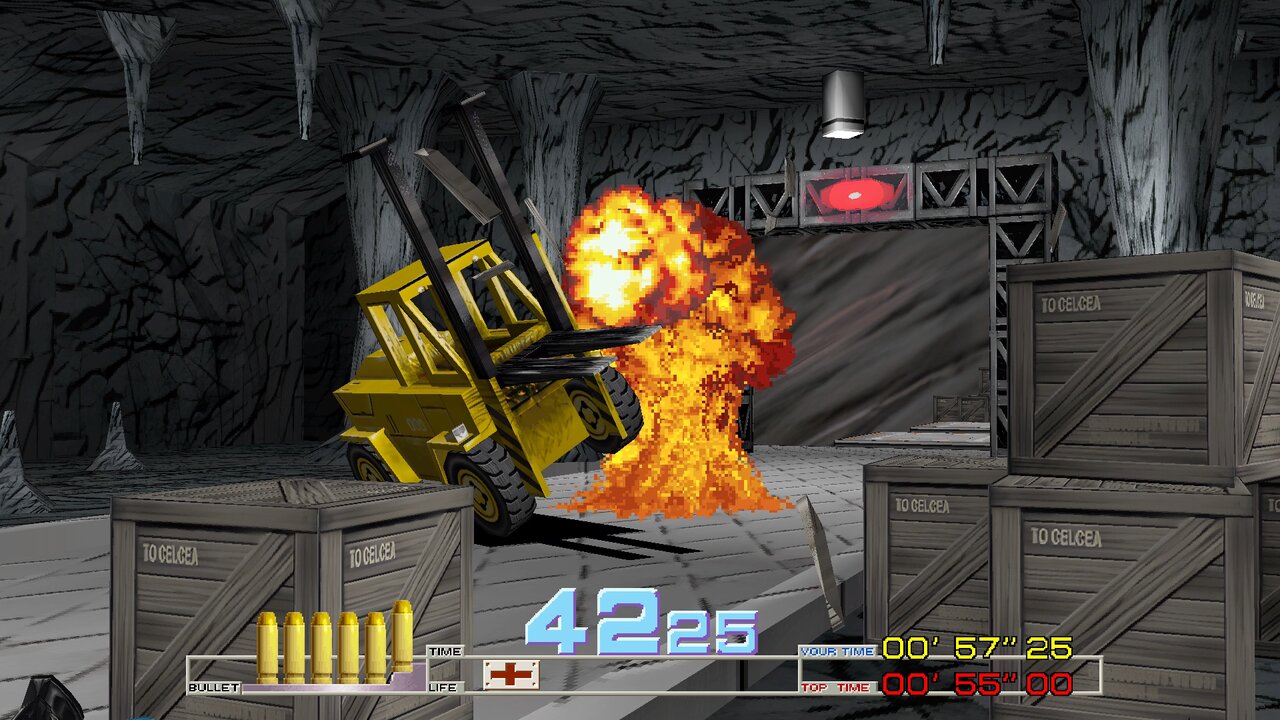
Namco’s 1995 light-gun arcade game, as a native app for Macs with Apple silicon.
| Download | ⬇️ Time-Crisis-for-Mac-1.0.dmg (9.8 MB, version 1.0) |
| Runs on | Macs with Apple silicon (M1 or newer), macOS 13 Ventura or newer |
| You need | Your own copy of the game: the MAME ROM set timecris.zip |
| Status | ✅ Playable |
Watch it
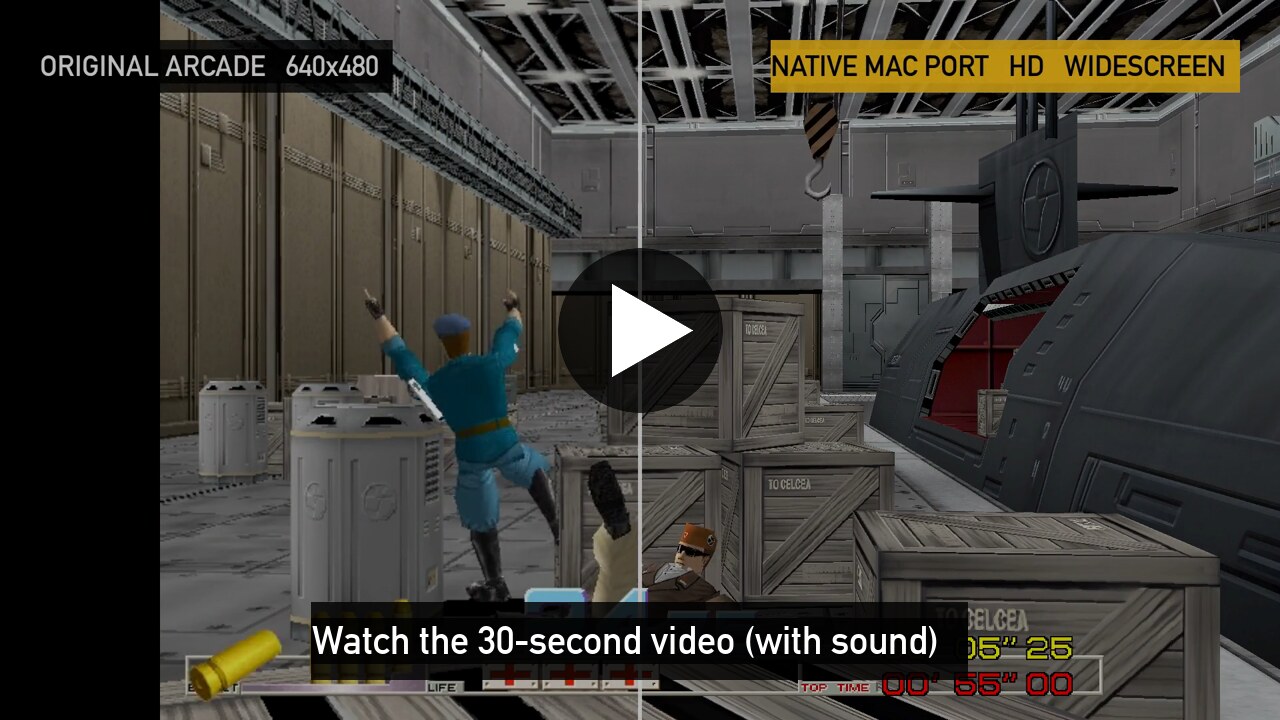
A real game recorded on a Mac, with the game’s own sound. The arcade original is on the left of the split screen, and the Mac version on the right.
What’s new on the Mac
- Native Apple silicon app, drawn with Metal. Nothing is emulated.
- Up to 120 frames per second, with smooth motion
- Widescreen, sharp at your screen’s full resolution
- Mouse controls: the mouse is the gun, the right button is the pedal
- Free play: no coins
- Save and load your game, in 8 slots
- A menu for display, sound and controls (press Esc)
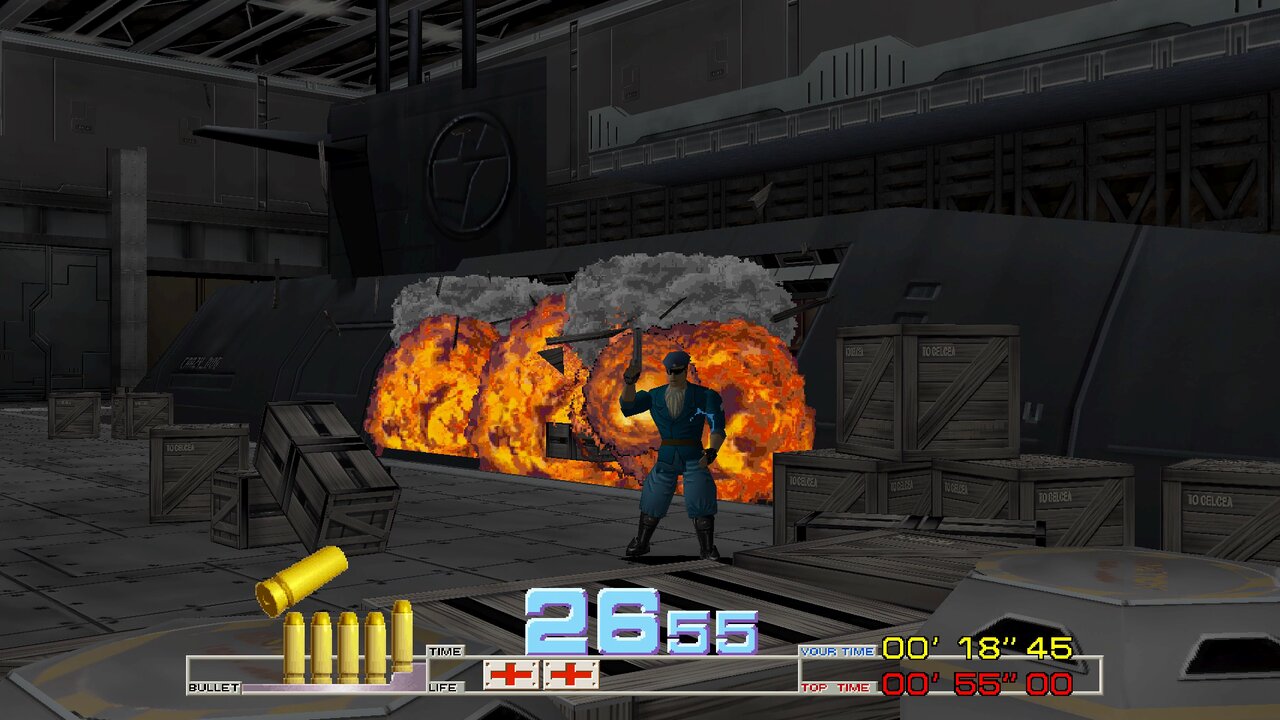
Install in 5 steps
- Download the file above.
- Open it, and drag Time Crisis onto the Applications folder.
- Double-click Time Crisis in Applications. macOS says it was “Not Opened”. This is normal for apps that aren’t sold through Apple. Click Done.
- Allow it once: open the Apple menu › System Settings › Privacy & Security and scroll down to Security. Next to “Time Crisis was blocked”, click Open Anyway, then Open Anyway again, and enter your Mac password or use Touch ID.
- Choose your ROM set: the game asks for its data. Click Choose File… and pick your
timecris.zip. If your Mac asks whether the game may use files in your Downloads folder, click Allow.
From then on, just double-click the game.
How to play
| Mouse | Keyboard | |
|---|---|---|
| Aim | move the mouse | arrow keys |
| Shoot | left click | Space |
| Come out of cover / take cover | hold right click to come out and shoot; let go to hide and reload | hold Z |
| Start a game | right click | Z |
| Menu | Esc | Esc |
| Pause | P | |
| Fullscreen on / off | F11 |
Game controllers work too. You can change the controls in Esc › Controls.
If something goes wrong
- “The file you chose is not the right one”: open the game again, and choose the right
timecris.zip. - To report a problem: attach the file
~/Library/Logs/Time Crisis/last-run.log. In Finder, choose Go › Go to Folder… and paste~/Library/Logs. - Your saves and settings are in
~/Library/Application Support/Time Crisis, so replacing the app keeps them.
Credits and source
- Based on namco22-decompile, the open-source project that translated the arcade code.
- The Mac port is offered back to that project: spacestate1/namco22-decompile#99.
- Source of this release: gkaragioul/namco22-decompile, branch
mac-release-1.0. - Tested on an Apple M5 Pro with macOS 27.
Time Crisis is a trademark of Bandai Namco Entertainment. Unofficial fan project; no game data is included.